How to Add a Person to the Mac Address Book
You can add addresses, phone numbers, and e-mail addresses to the Mac Address Book. You can also add a picture and note about the person (“awfully cute; owns a Mac”). You can access the Mac Address Book through the Applications folder or by clicking the Address Book dock icon. After opening the program, you can then add a person to your address book:
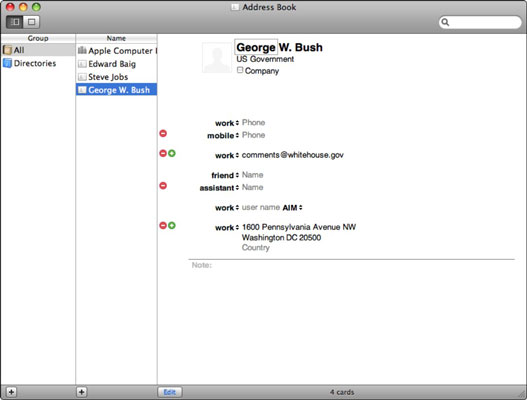

If someone sends you a virtual address card (known as a vCard), just drag it into the Address Book window. If you already have an entry for the person, you’ll have the option to blend the new data with the old.

ليست هناك تعليقات:
إرسال تعليق